Brand portal
Distribute approved brand assets — logos, fonts, templates — to partners and teams, with a single source that's always current. Approve once on a board; everyone downstream sees the update immediately.
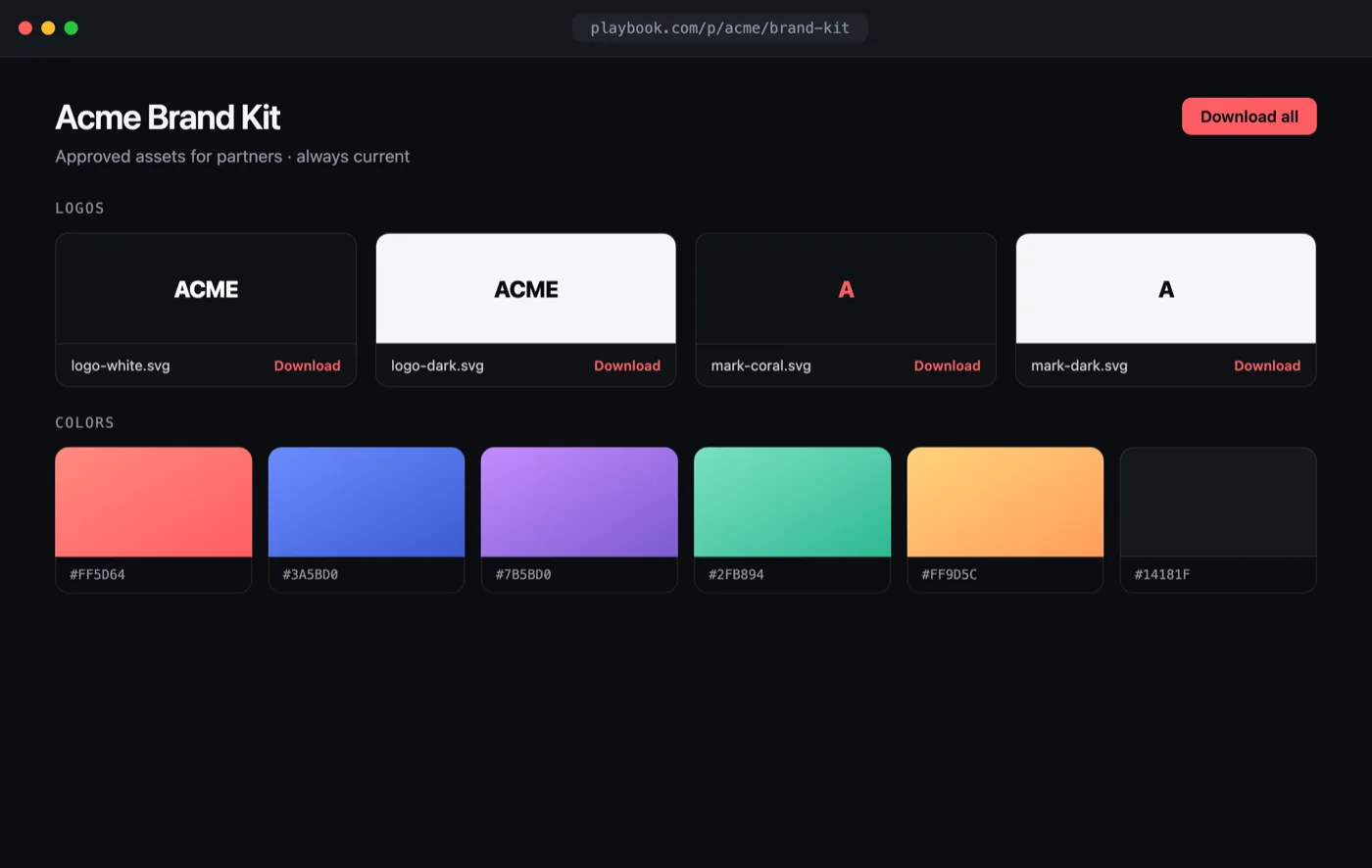
Open the interactive preview → · a self-contained index.html you can click through in your browser (open photos, favorite shots, switch tabs) or download.
The flow
- Keep a board of approved assets (curated with custom fields).
- Publish it as a public portal, or share it for a link-gated one.
- Embed the portal in your intranet or marketing site.
- Serve downloads with token-scoped API keys.
1. Curate approved assets
Filter your library down to what's cleared for distribution and collect it on a
"Brand kit" board. An approval custom field makes this reliable: filter by it in
Playbook, then add the matching assets to the board. The public REST /search
endpoint can filter by that field too, through filters[statuses][] — see
Custom Fields. Downstream clients read the curated
board through /v1/$ORG/boards/brand-kit/assets.
2. Publish the portal
curl -X POST "https://api.playbook.com/v1/$ORG/boards/brand-kit/publish" \
  -H "Authorization: Bearer $PLAYBOOK_TOKEN"
{ "data": { "url": "https://playbook.com/p/your-org/brand-kit" } }
A published board is a public, always-current gallery — update the board and the
portal updates with it, no redeploy. For a link-gated portal instead, use
POST /v1/$ORG/boards/brand-kit/share. See the
published vs. shared
comparison.
3. Embed it
Drop the portal straight into your intranet or brand site:
<iframe
  src="https://playbook.com/p/your-org/brand-kit"
  style="width:100%;height:900px;border:0"
  title="Brand portal"
></iframe>
4. Scope partner access
Issue separate API tokens per integration so each only sees what it should, and revoke without touching the others. Fetch the approved set on your own domain and render a branded download page:
const ORG = "your-org";
const TOKEN = process.env.PLAYBOOK_TOKEN!; // a token scoped for the portal

type Asset = { token: string; title: string; display_url: string; raw_url: string };

async function getBrandKit(): Promise<Asset[]> {
  const res = await fetch(
    `https://api.playbook.com/v1/${ORG}/boards/brand-kit/assets?per_page=100`,
    { headers: { Authorization: `Bearer ${TOKEN}` } },
  );
  return (await res.json()).data;
}

export default async function BrandKit() {
  const assets = await getBrandKit();
  return (
    <ul>
      {assets.map((a) => (
        <li key={a.token}>
          <img src={a.display_url} alt={a.title} width={120} />
          <a href={a.raw_url} download>Download {a.title}</a>
        </li>
      ))}
    </ul>
  );
}