Powering media for teams building at scale















The library, embedded
Give your users a real media library
Images, video, 3D, audio, docs, with uploads, galleries, tagging, search, and instant delivery, the same infrastructure that powers Playbook, wired into your product.
- Images, video, 3D, audio, docs & vectors
- Uploads & versioning
- AI search & auto-tagging
- Boards & approvals
- Published pages
- Instant global delivery
Build with Claude
Describe it. Claude builds it.
Connect Claude to Playbook once, then tell it what you want to build. It uses the API and MCP server for you, so you can ship without touching a line of code.
Connect Claude to Playbook
Run these two in Claude Code, then /mcp and sign in with Playbook.
/plugin marketplace add playbook-labs/mcp-plugins
/plugin install playbook@playbook-plugins
Building with another agent? Codex, Cursor, VS Code, and ChatGPT connect to the same server. One click each in the MCP guide.
Ask for what you want
Copy a prompt, paste it into Claude, and let it build. Each one maps to a full working example.
Using the Playbook MCP server, build me a portfolio site. Create a board for my photography, add my work to it, and publish it as a public gallery I can share.
Using Playbook, build a client proofing gallery. Share a board of photos with a client, collect their comments, and give me download links for the finals once I approve them.
Using Playbook, set up a digital asset manager. Add custom fields for campaign and approval status, tag my assets, and let me search across them by those fields.
Using Playbook, build a brand portal where my team can search and download our approved logos and brand assets.
Model Context Protocol
Connect any AI assistant
Point Claude, Codex, Cursor, VS Code, or ChatGPT at the hosted Playbook MCP server and let them search, tag, upload, and organize your media in natural language. No local install, no token to paste, just sign in with Playbook.
Read the MCP guideClaude opens Playbook in its connector directory. Connect it there and approve the Playbook consent screen; it then works in Claude on the web, desktop, and mobile. To add it by hand instead, paste this URL as a custom connector:
https://mcp.playbook.com/mcp
For AI agents & LLMs
Point your agent at Playbook
Give your model the whole docs corpus, or let it operate Playbook directly through the MCP server. It will be building media library apps in minutes.
claude plugin marketplace add playbook-labs/mcp-plugins
claude plugin install playbook@playbook-pluginsFeed your model the docs
The entire developer corpus, LLM-ready. Drop llms.txt (or llms-full.txt) into any model's context and it can build on Playbook.
MCP serverLet agents drive Playbook
Point Claude, Codex, Cursor, or ChatGPT at the hosted MCP server to search, tag, upload, and organize media in natural language.
ExamplesShip a media app fast
Portfolios, DAM, client galleries, marketplaces, and AI pipelines, each with real, copy-pasteable code.
Built for complex workflows
Game production pipelines, start to finish
3D models, characters, environments, concept art, textures, and launch marketing: thousands of versioned files across a pipeline, kept searchable and review-ready over the API.
Use cases
Our users also build client galleries, brand portals, and more
From a weekend portfolio to a full DAM, the same API powers all of it.
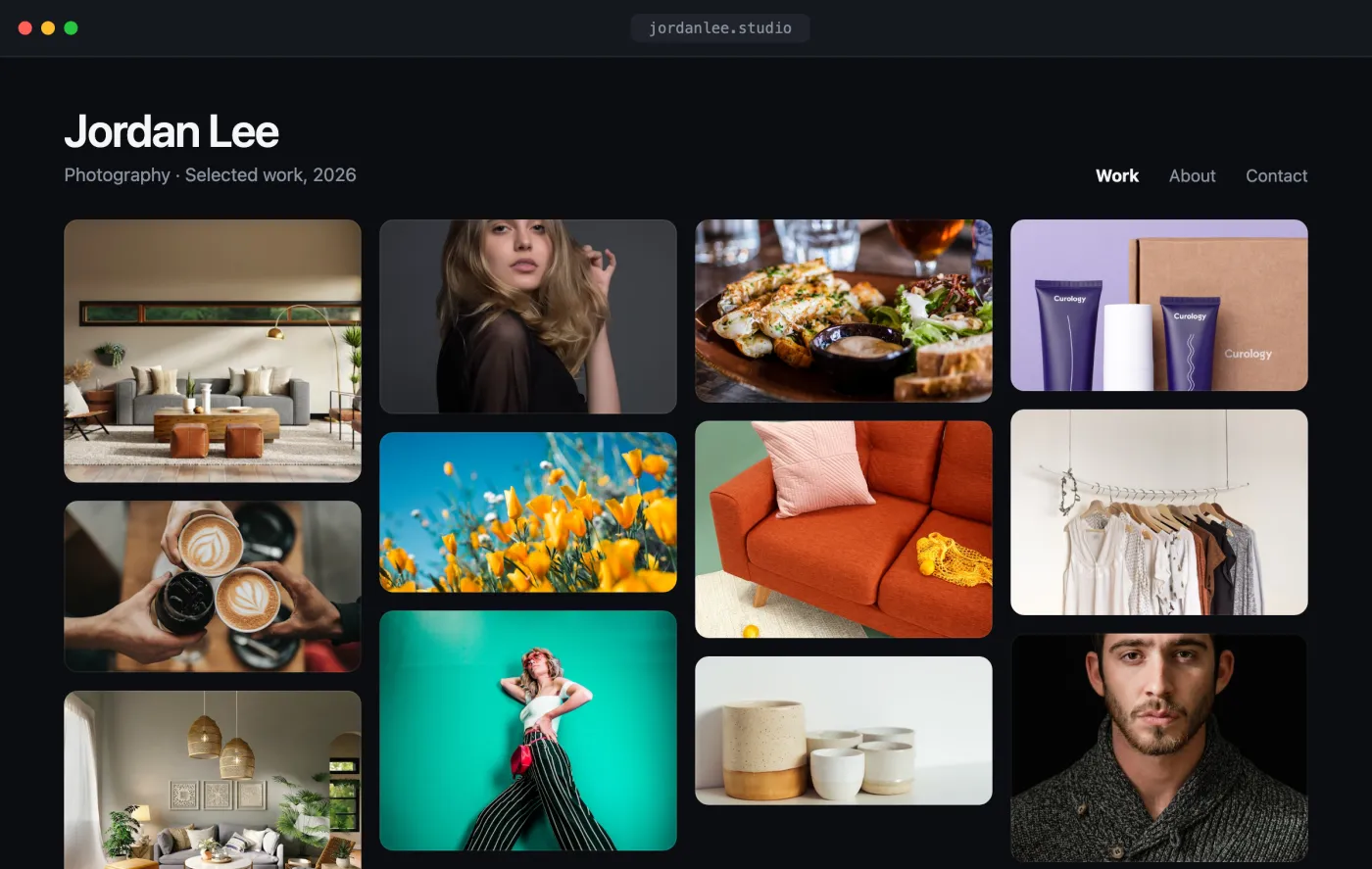
Portfolio
Creator portfolios
Give every user a polished, auto-updating portfolio. Upload once, and galleries, ordering, and responsive delivery come free.
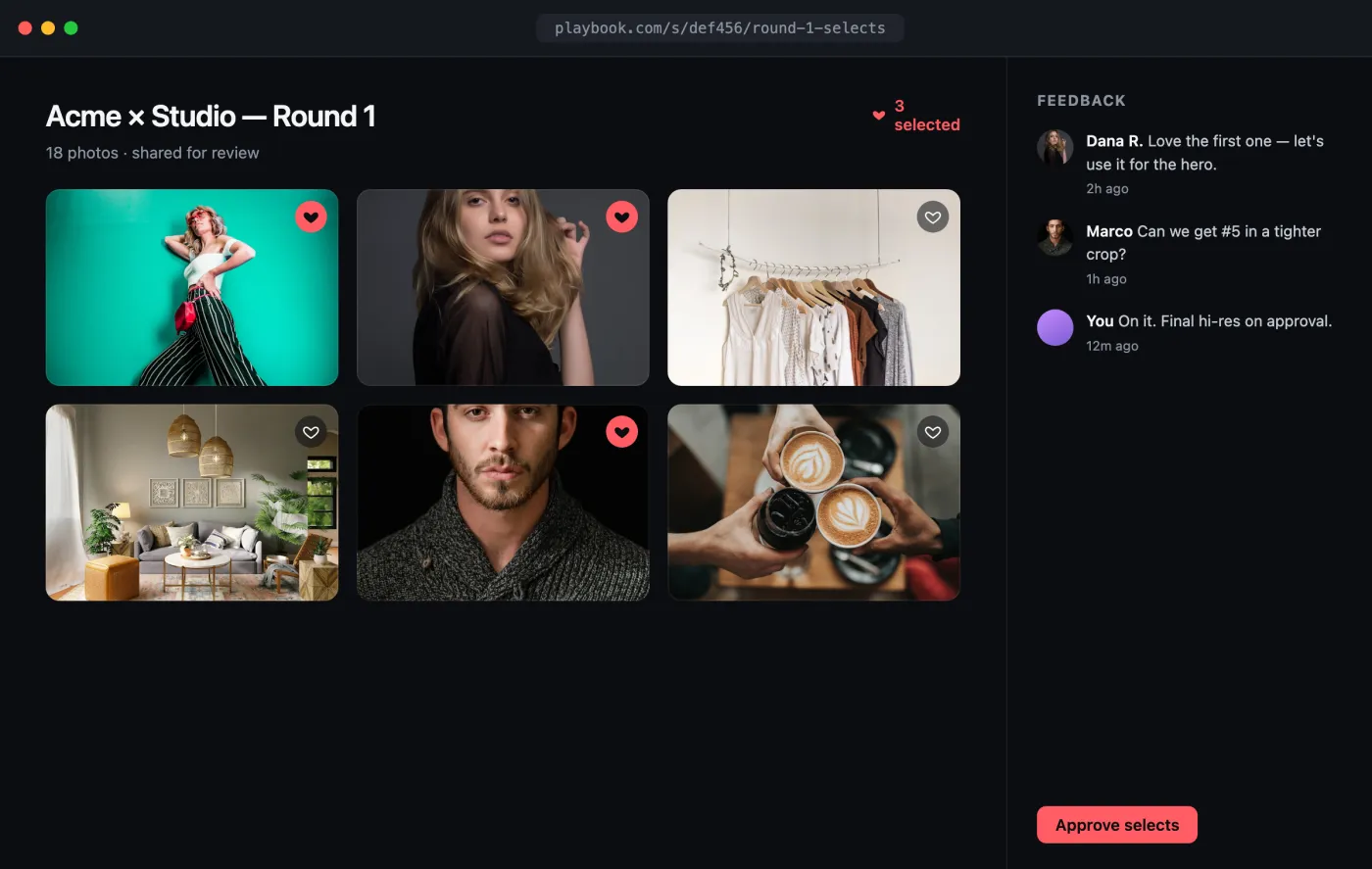
Client gallery
Client proofing galleries
Share selects, collect favorites and comments, and deliver final high-res downloads the moment a client approves.
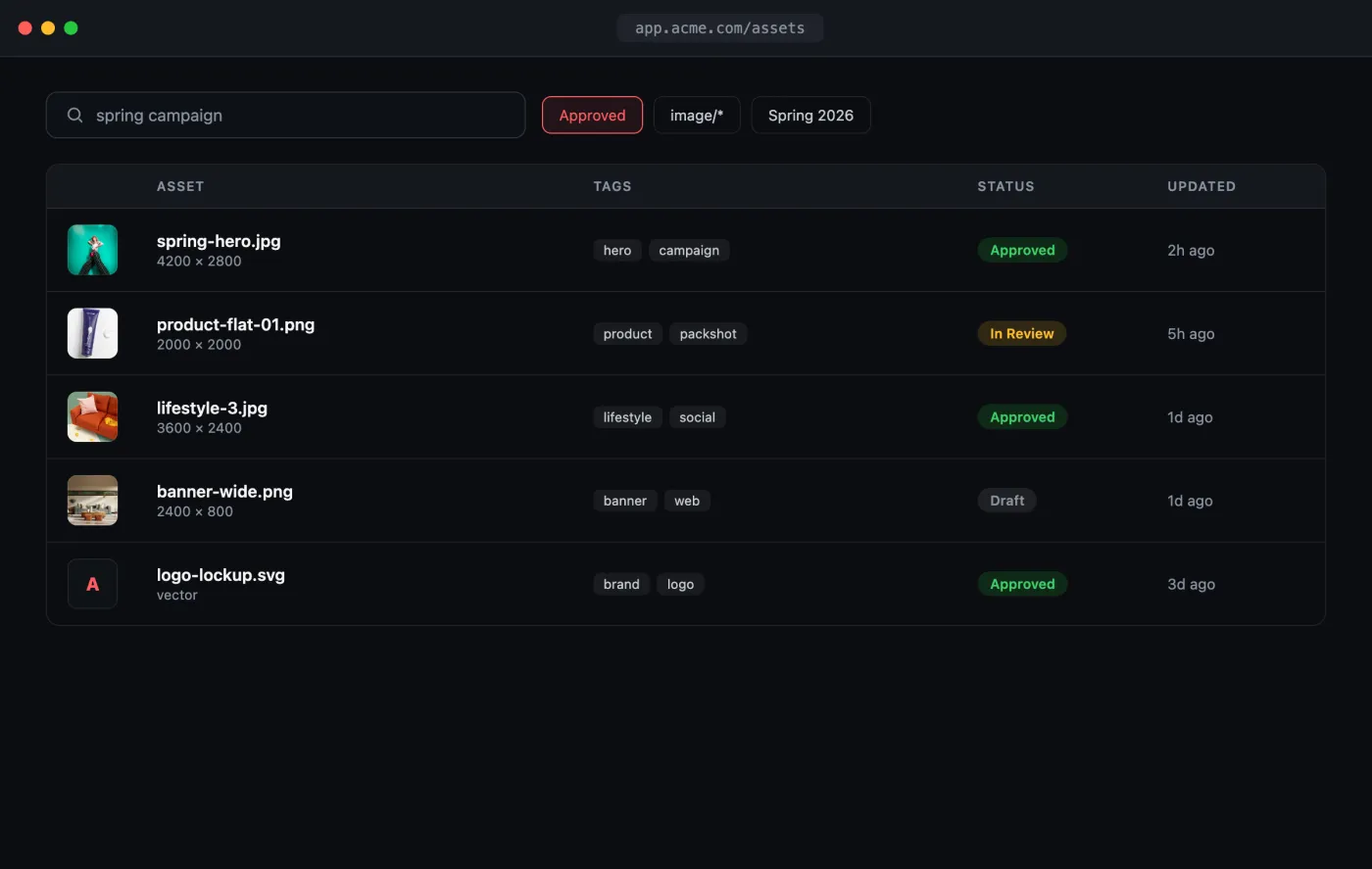
DAM
Digital asset management
A searchable source of truth for brand and marketing teams, with tags, custom fields, versions, and scoped permissions.
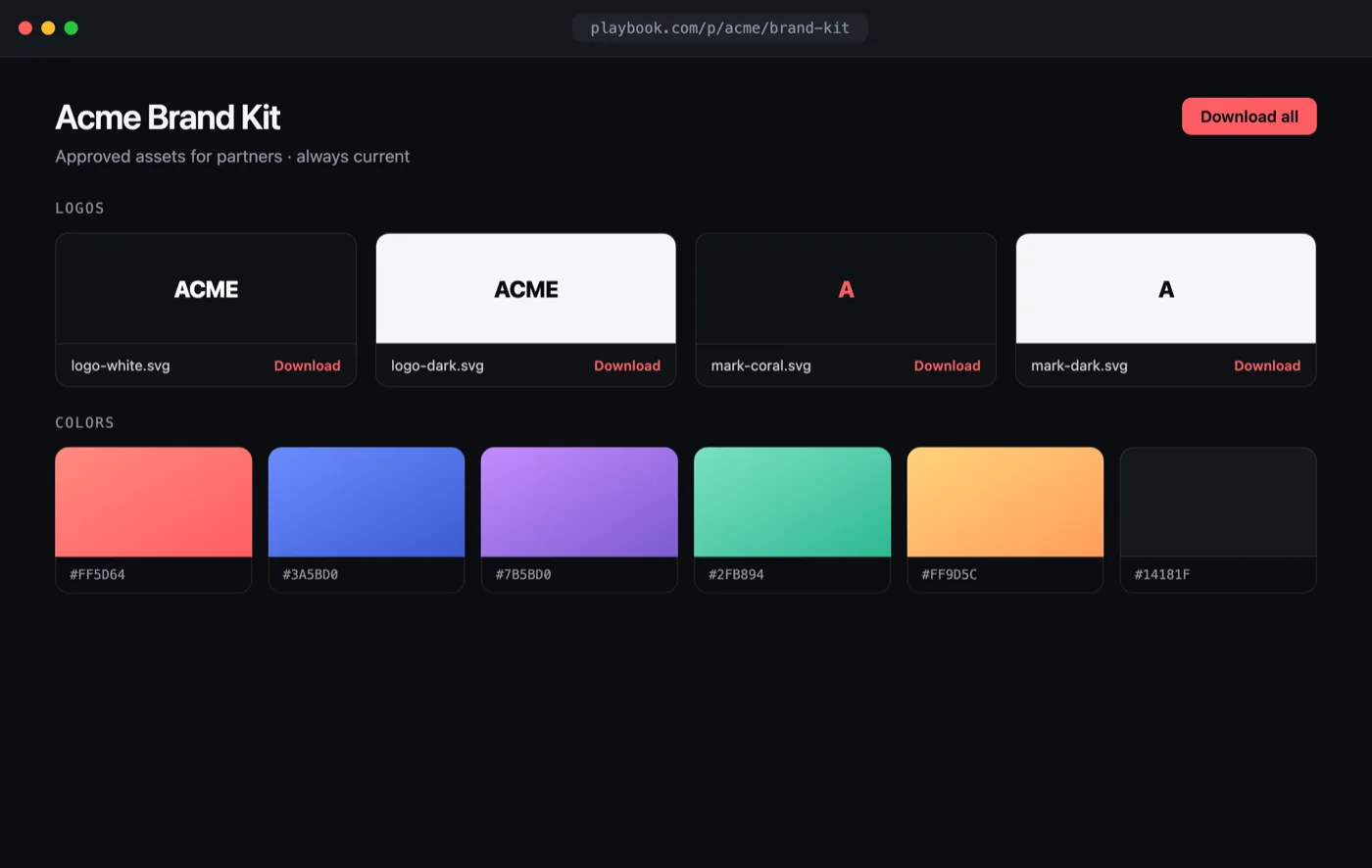
Brand portal
Brand portals
Distribute approved logos, fonts, and templates to partners with always-current, access-controlled links.
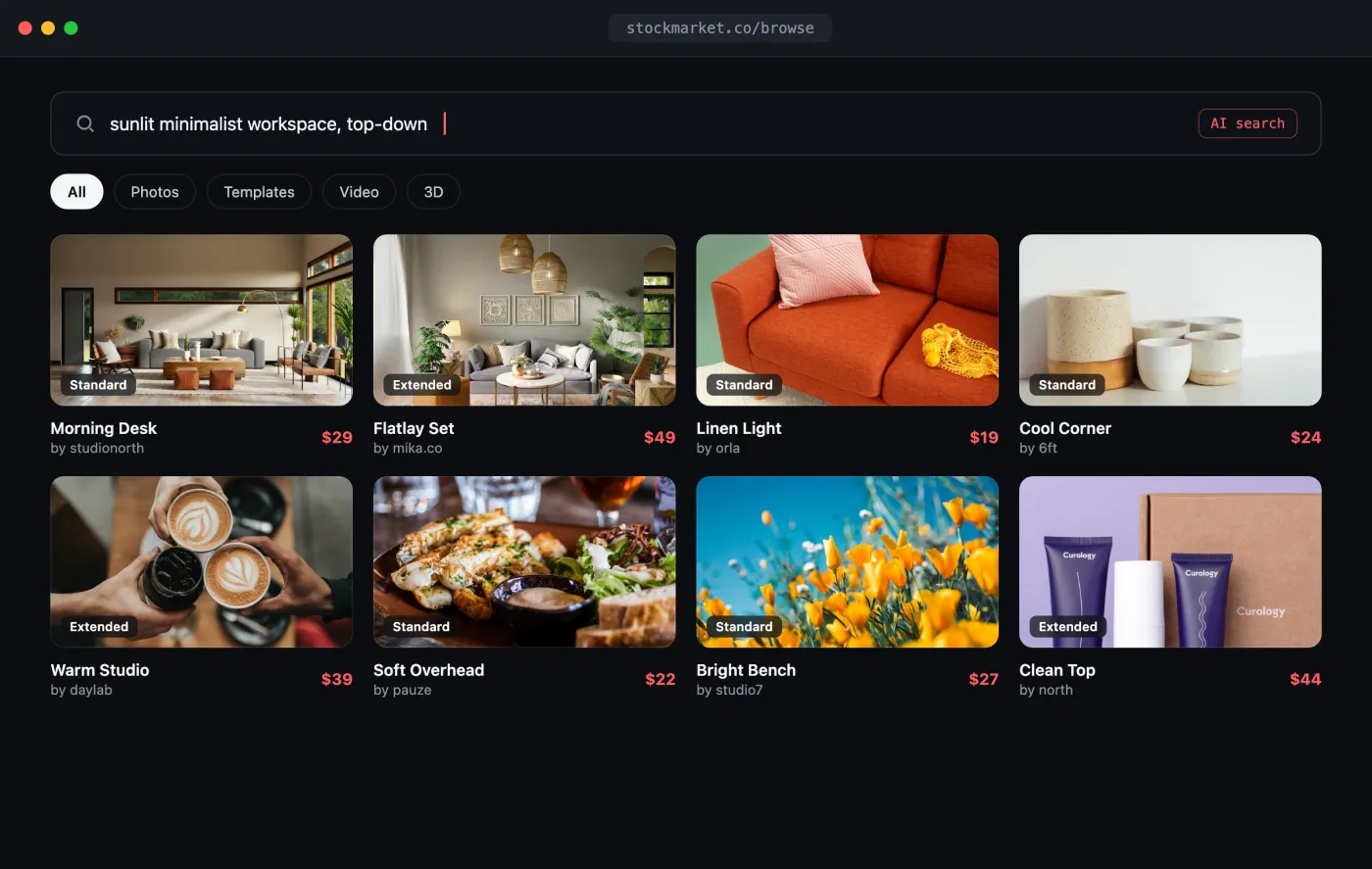
Marketplace
Creative marketplaces
Power upload, search, live previews, and licensed delivery for a stock, template, or asset marketplace.
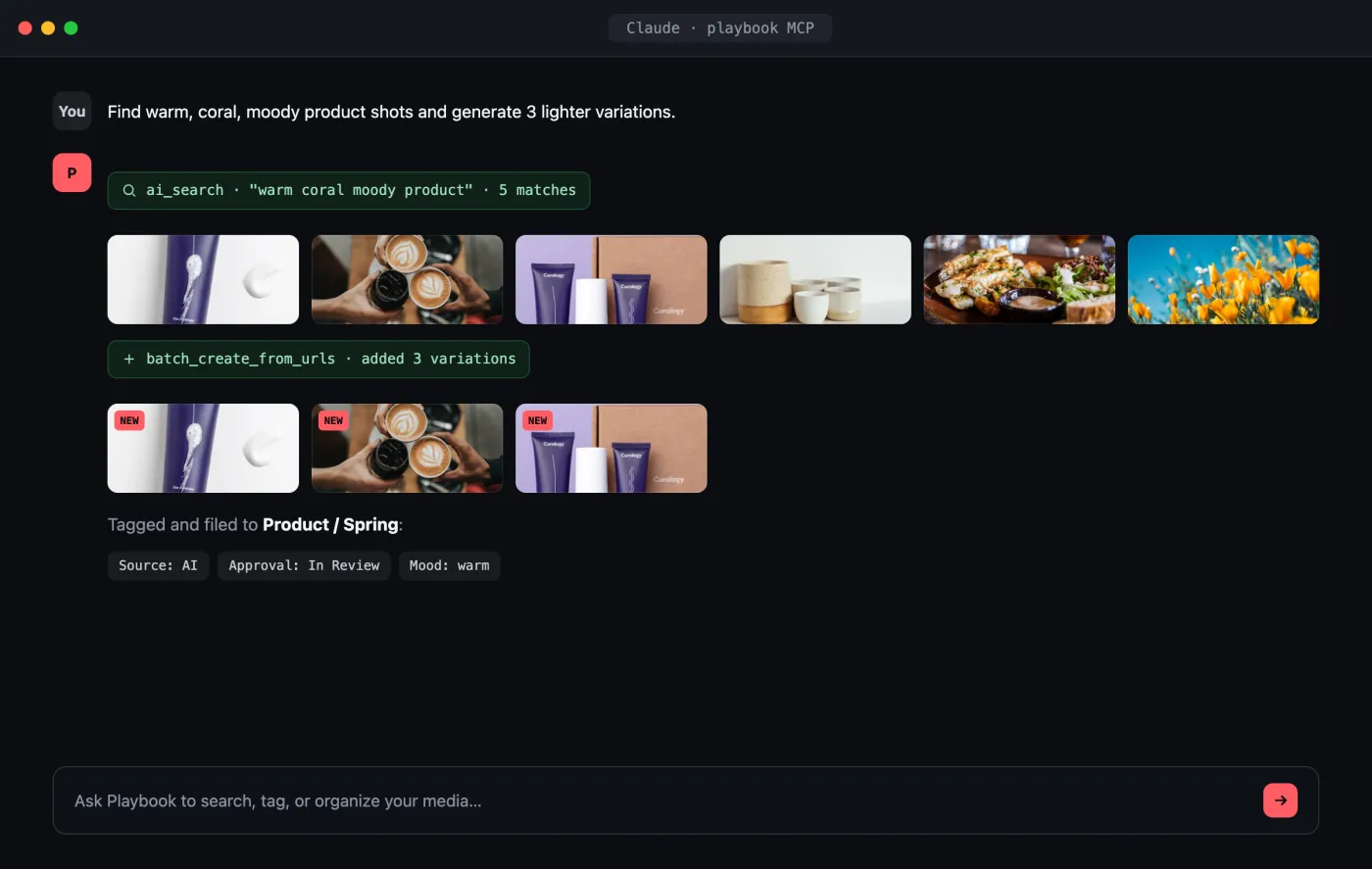
AI
AI media pipelines
Let agents assemble moodboards, auto-tag libraries, and generate variations straight through the MCP server.
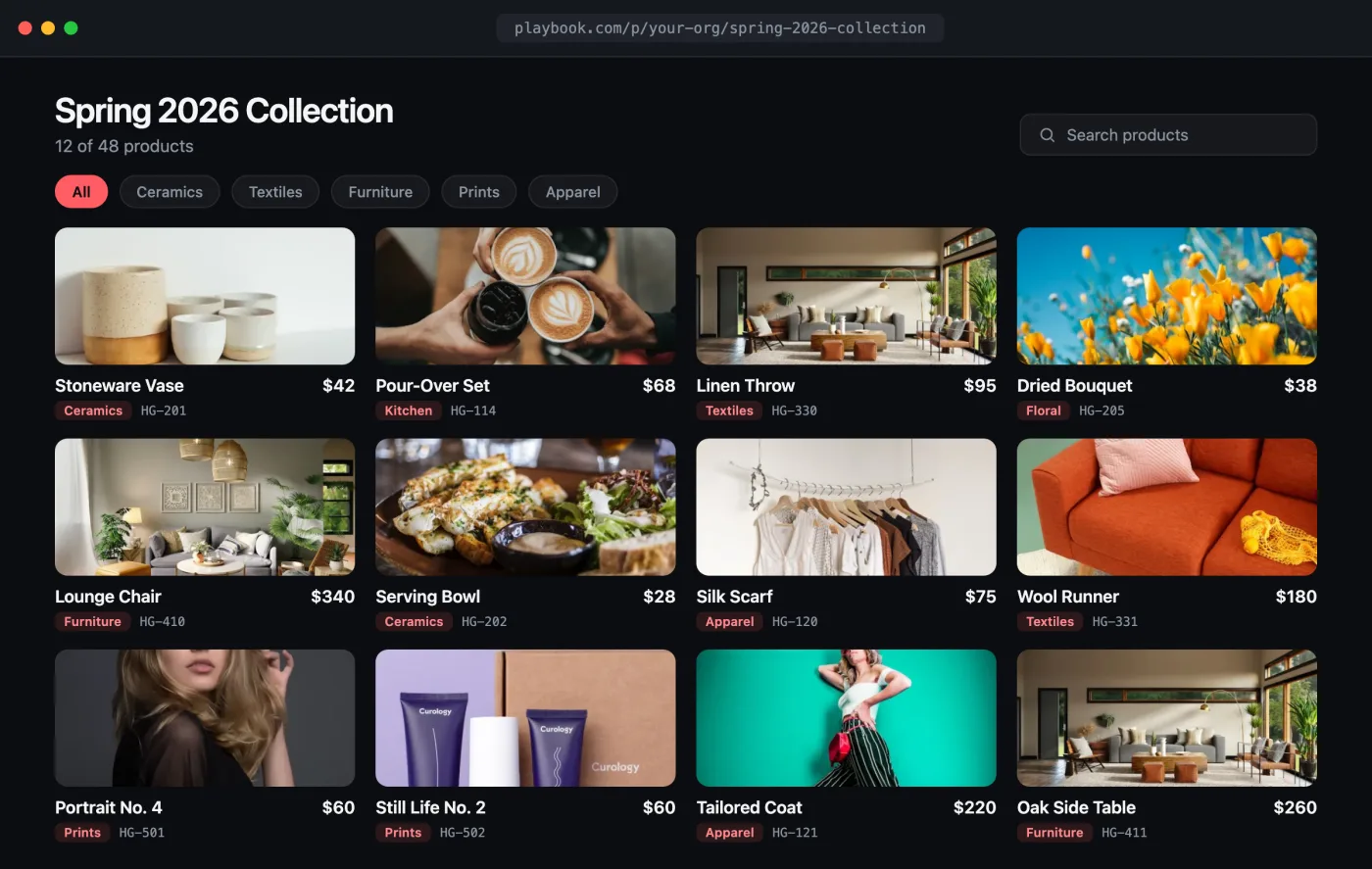
Product catalog
Product catalogs
Turn product photography into a browsable catalog with SKU, price, and category fields, ready to publish or render as your own storefront.
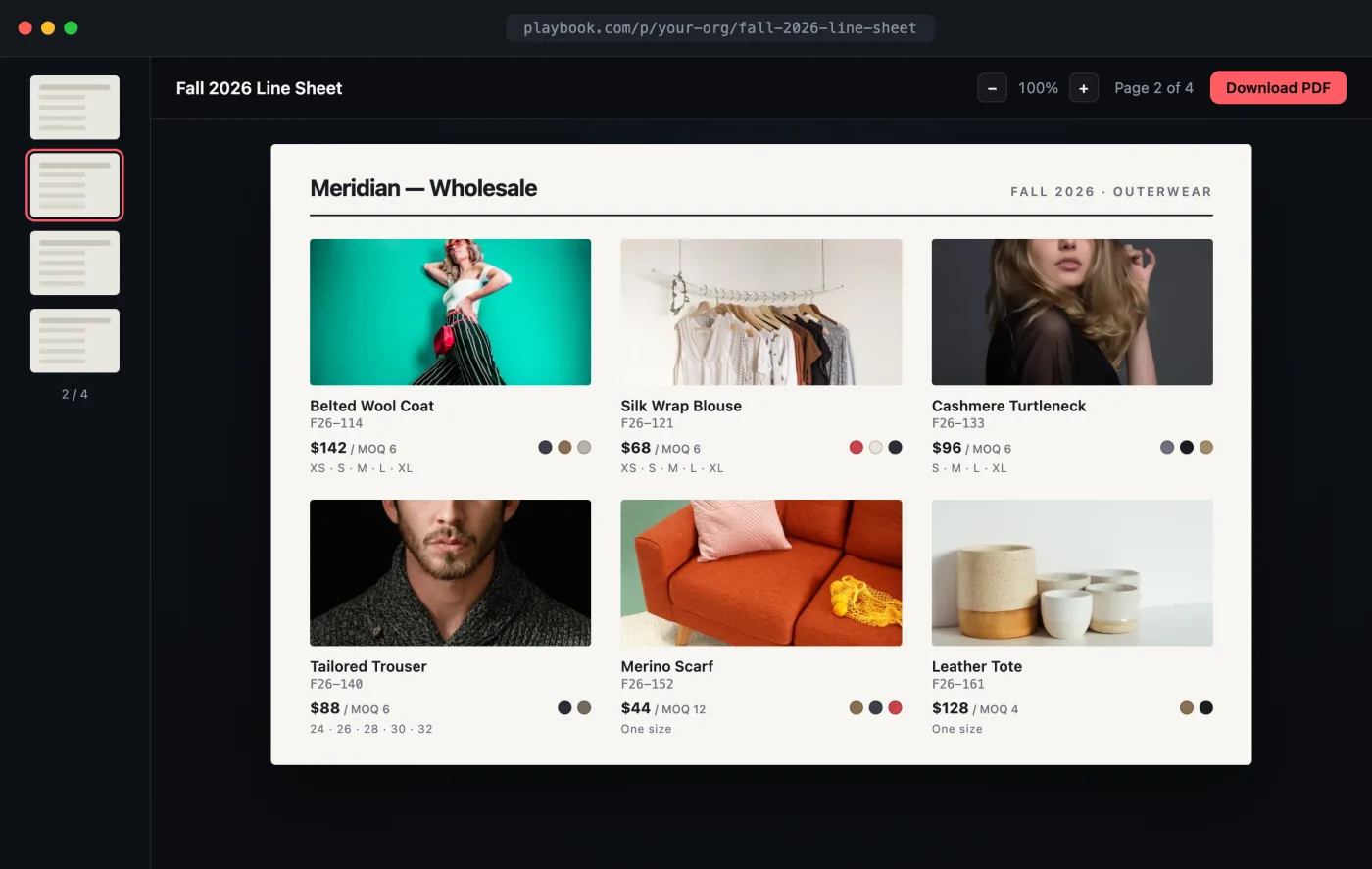
Sales catalog
Interactive line sheets
Replace the static PDF line sheet with a published, always-current catalog reps can browse, search, and download from.
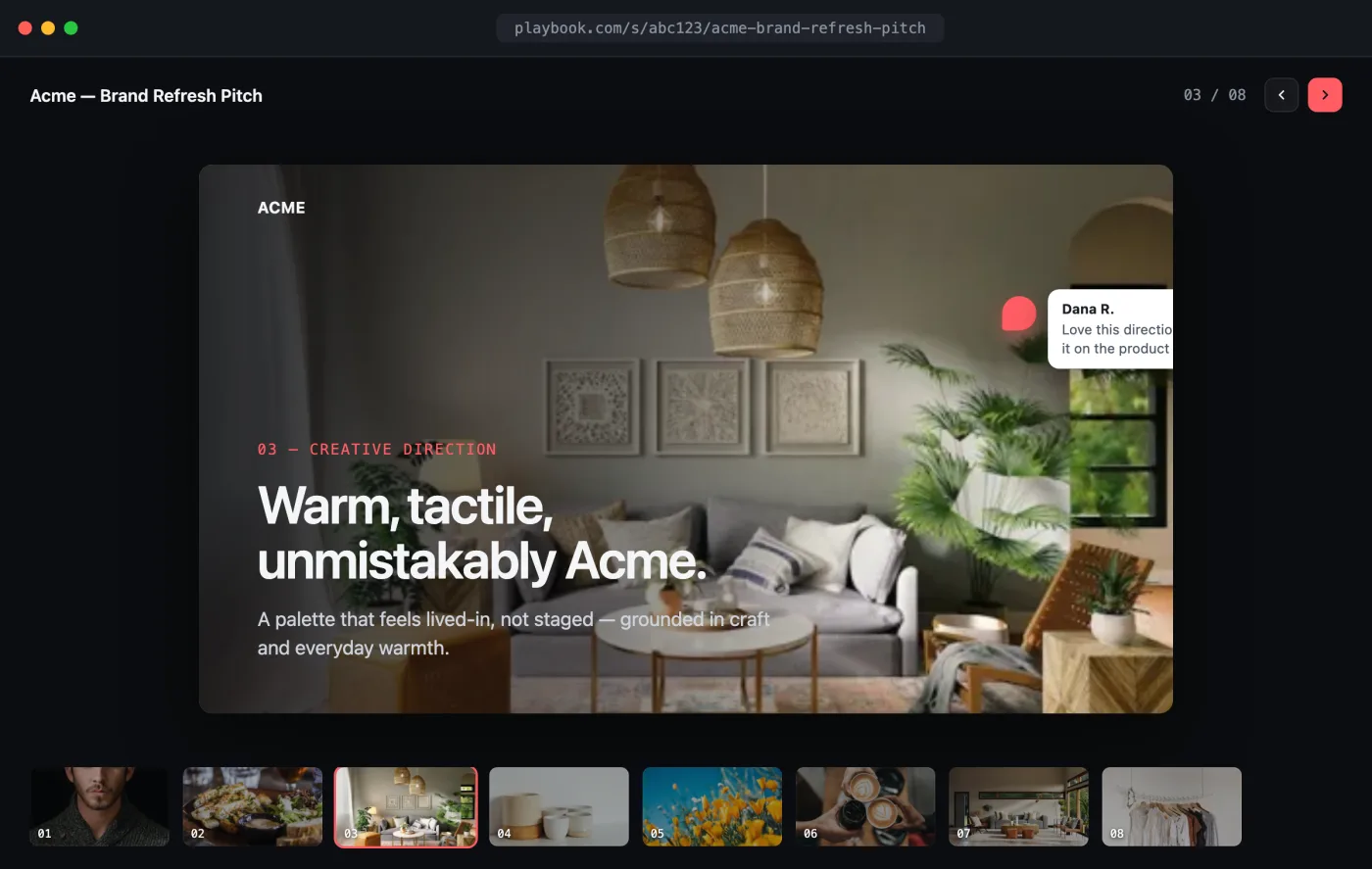
Presentation deck
Client presentation decks
Assemble slides on a board and share a full-screen, always-current pitch deck that collects client feedback inline.
Three ways to build it
Start with a single API call, embed the full SDK, or wire up an AI assistant. Every path speaks to the same media platform.
REST API
Upload, organize, search, and deliver media with a standard, token-secured REST API.
API referenceSDK
Embed a fully customizable media library (galleries, uploads, tagging, and views) in a few lines.
Explore the SDKMCP Server
Let Claude, Cursor, and ChatGPT search, tag, and manage your media through natural language.
Connect an assistantThe platform
Every piece of the media stack
One API surface for the whole lifecycle: ingest, organize, search, secure, and deliver.
01 · Ingest
Upload anything, at any scale
Push files or URLs through the API and Playbook handles storage, thumbnails, and versioning. Images, video, PDFs, 3D, and more.
02 · Search
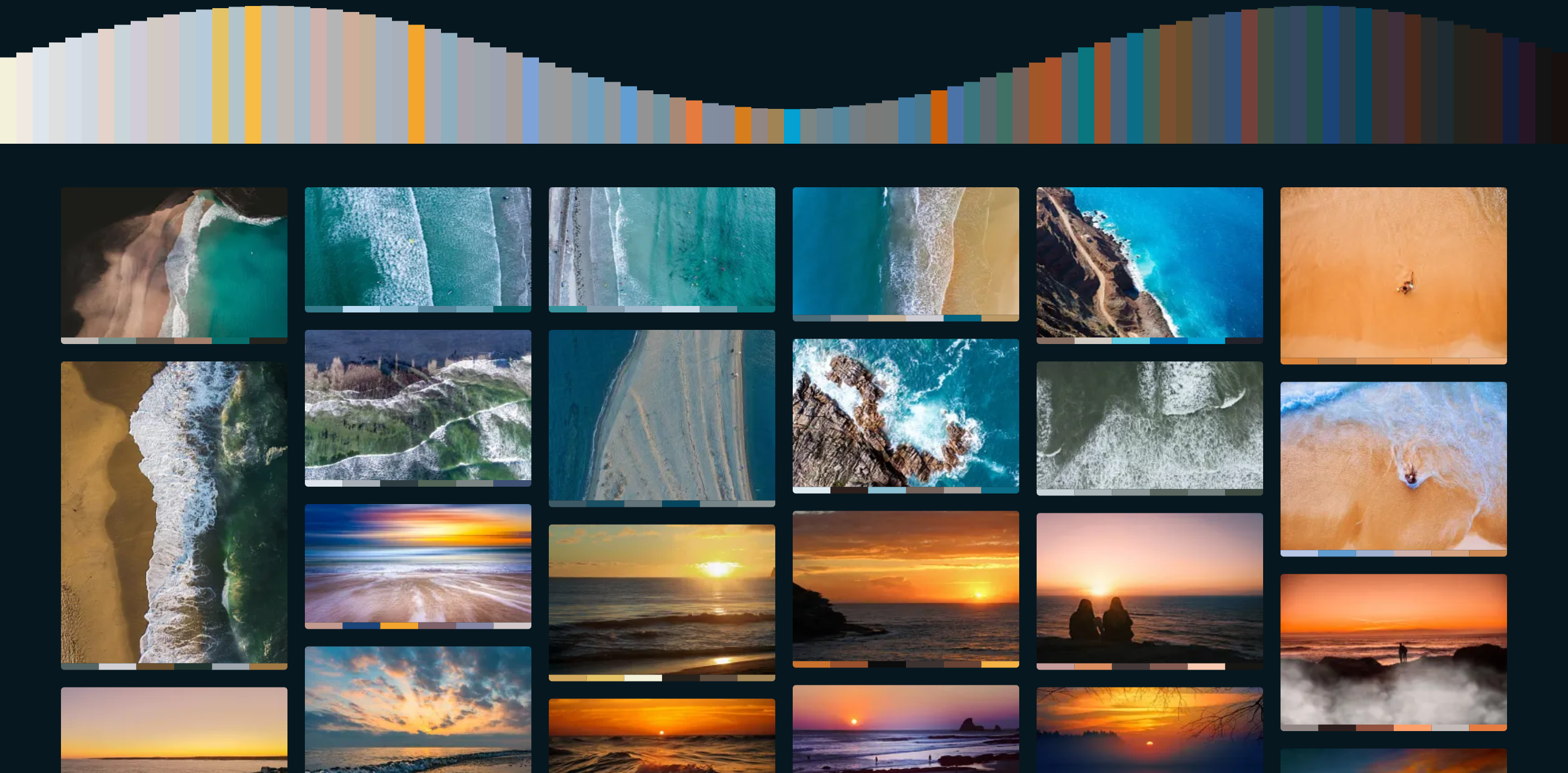
Search by tag, color, and content
Full-text and visual search across every asset, filterable by metadata, palette, and AI-generated tags.
03 · Deliver
Transform on the fly
Resize, crop, and reformat at request time, served from a global CDN.
04 · Metadata
Tags and custom fields
Attach structured metadata and let it flow through search and webhooks.
05 · Security
Token-scoped access
Org-level API keys with granular scopes, so every request only sees what it should.
06 · Events
Webhooks and events
Subscribe to uploads, edits, and tags to keep your product in sync in real time.
07 · Apps
Host the apps your agent builds
Ask Claude for a gallery, a portfolio or a catalogue of one board. It writes the app and deploys it over MCP, and Playbook hosts it at its own address, reading the board straight from your library.
 See the live app
Ready to build?
Ship a media library or full DAM on the Playbook API, SDK, and MCP server.